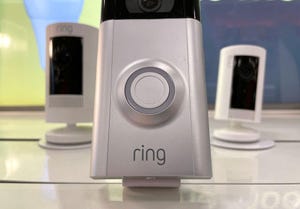
Concerns over Amazon’s Ring Security surveillance, such as its nipped-in-the-bud contract with Flock Safety or its Super Bowl Search Party commercial, have people so worried that they’ve been destroying their Ring cameras. There’s another option, one that doesn’t require giving up an expensive security cam: You turn off the settings you don’t like.
Ring’s menus don’t make these settings clear or easy to find, but I’ve found where you need to go and what your options are if you want to disable AI, automatic requests to analyze your videos, Amazon Sidewalk and more.
1. AI Features
You can disable most Ring AI features in one swoop.
r/Ring
Ring uses AI in many forms, from creating time-saving text descriptions of videos to recognizing pets and even, if you choose to enable it, human features via the Familiar Faces feature. If any use of AI-like algorithms makes you uneasy about your
...Keep reading this article on CNET.