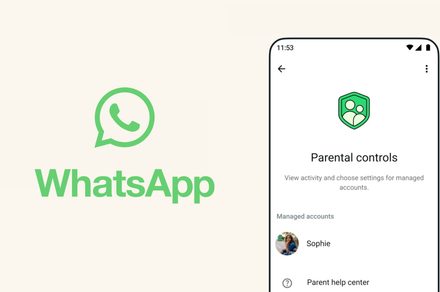
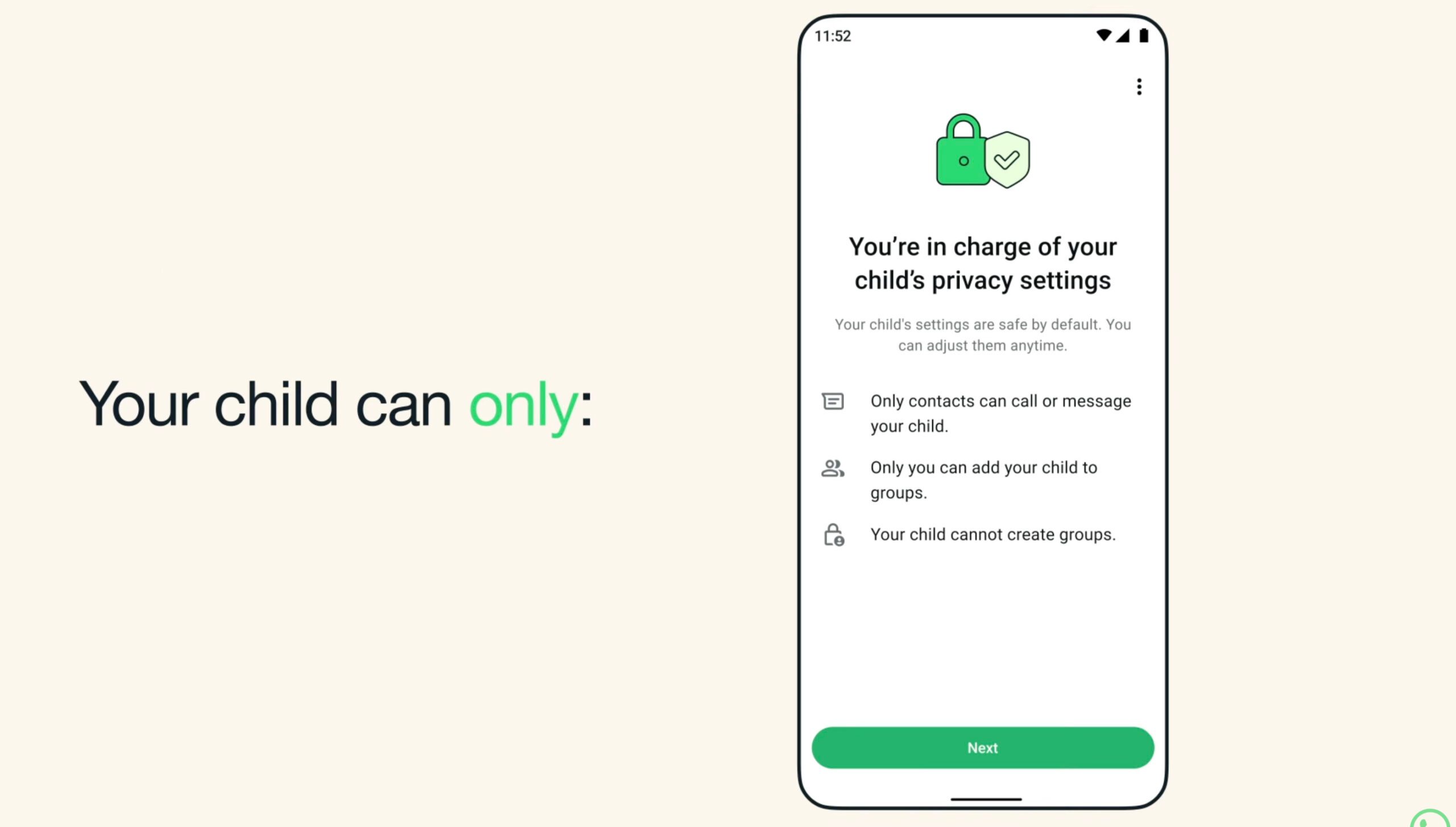
WhatsApp is introducing a safer way for younger users to stay connected with friends and family. The messaging platform now allows parents to create protected WhatsApp accounts for kids under 13, giving guardians more control over how the account works. Instead of leaving safety decisions to automated systems, parents can be in charge of their child’s privacy settings and messaging environment.
How to create and manage WhatsApp account for children under 13?
 WhatsApp
You can follow these steps to set up a parent-managed WhatsApp account for preteens on both Android and iOS:
Download WhatsApp from the Google Play Store or Apple App Store on your child’s device. Open WhatsApp, choose your language, and tap Agree and continue. Next, tap on More options and select Create a parent managed account. After that, you will have to enter and verify your child’s phone number. Provide
...Keep reading this article on Digital Trends.