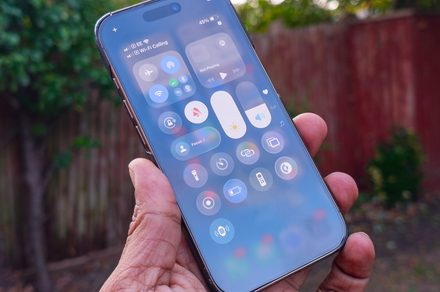
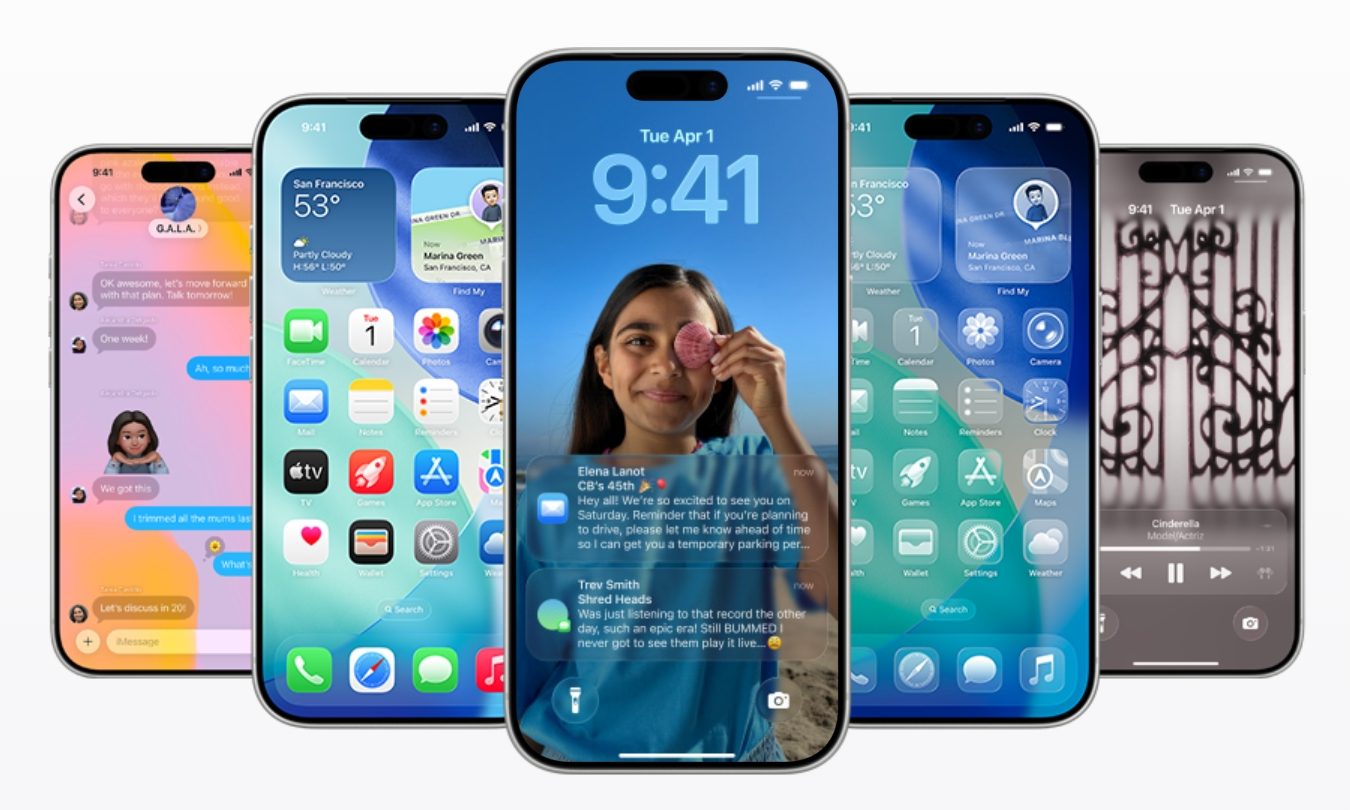
Apple gave iOS a massive visual overhaul with iOS 26, introducing the new Liquid Glass design language. The redesign brought translucent, glass-like elements that reflect and blur background content across system apps, controls, and navigation bars, giving the iPhone interface a completely new look. However, this new design didn’t go down well with all users.
Apple has since been gradually expanding customization options to help users tweak the look to their preference. With iOS 26.1, the company introduced a “Tinted” option that increases opacity across interface elements, and iOS 16.2 later added a slider that lets users adjust the Liquid Glass effect for the Lock Screen clock, making it appear clearer or more frosted.
 Apple
AppleAccording to Bloomberg’s Mark Gurman, Apple may take that idea further in iOS 27 by introducing a system-wide slider that controls the intensity of the Liquid Glass effect across
...Keep reading this article on Digital Trends.